AI Reading Apps That Use Speech Recognition for Children
Speech recognition struggles most with the children who need help reading the most.
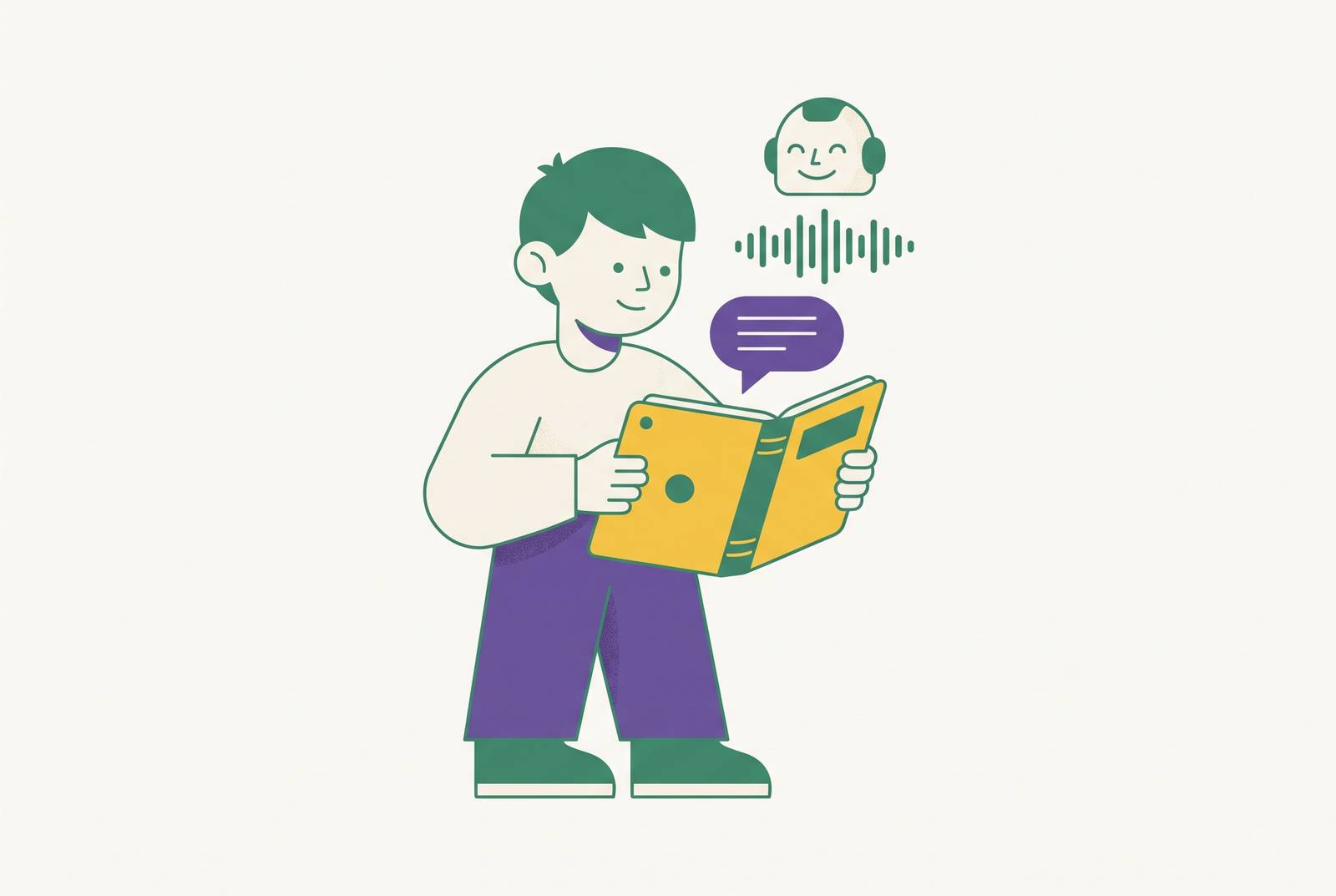
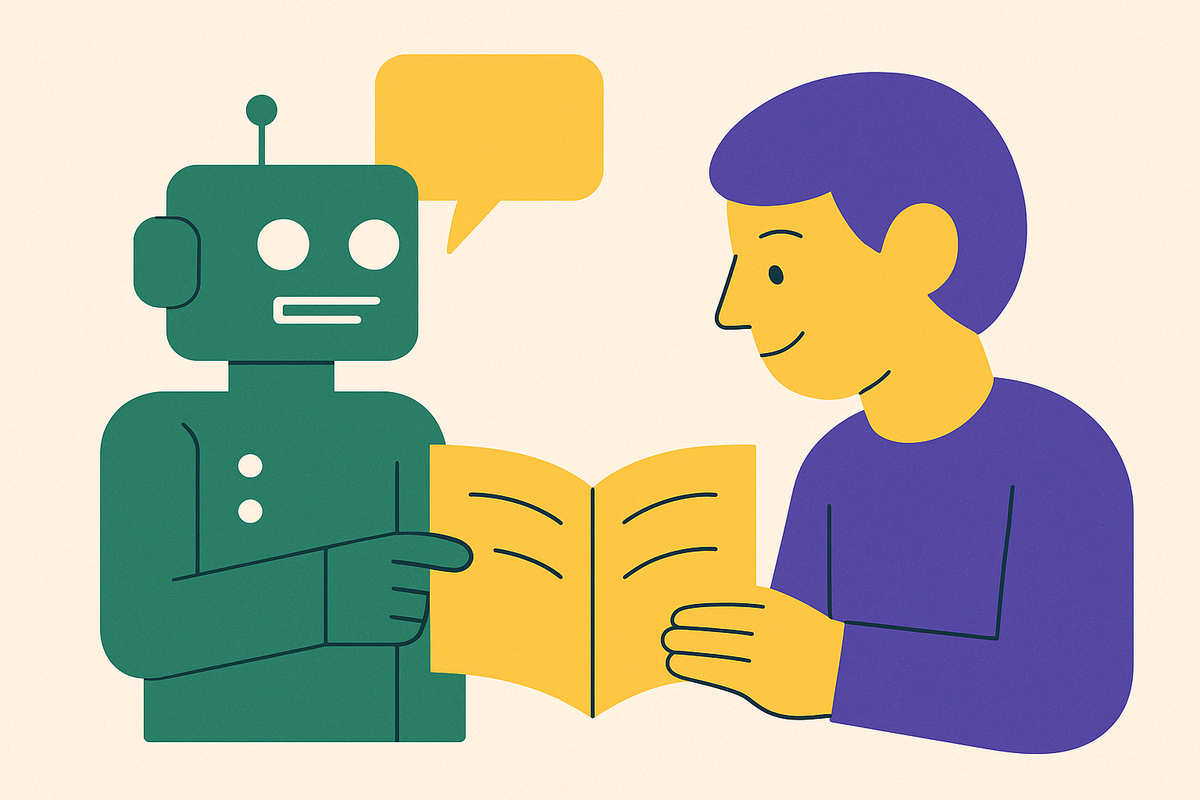
AI reading apps promise something genuinely useful: a machine that listens to a child read out loud and responds the way a good teacher would, catching mistakes, adjusting the difficulty, and building fluency over time.
Every app in this category runs on the same basic chain of steps. A child reads a passage out loud, the software turns that speech into text, the system checks the text against what the child was supposed to say, flags the differences, and sends back some kind of feedback. In practice, the first step, turning a child's voice into accurate text, is where most of the trouble starts.
Children's vocal tracts are built differently than adults'. If speech recognition models train mostly on adult voices, they run into real trouble with that kind of input. That variability barely appears in the adult speech these systems trained on. And then there's the environment itself. There's a sibling in the background, a tablet propped at an odd angle, a child mumbling through a hard word, and that's precisely the setting where child speech recognition already performs at its worst.
None of this means the category doesn't work; it means the bar for "works well" is higher than the marketing usually lets on, and parents evaluating these apps need to know what's actually hard about the job before they can judge who's doing it well.
How a reading teacher responds to a child's error
Before judging any app, it helps to know what skilled human instruction actually looks like when a child stumbles over a word. A good reading teacher doesn't just notice that a word was wrong. The teacher figures out what kind of error it was, what that error says about the child's decoding skills, and whether the moment calls for a correction, a gentle prompt, or simply letting the child keep going.
The Science of Reading lays out the order these skills build in: first phonemic awareness, then phonics, then fluency, then vocabulary, then comprehension. A child who skips a word, a child who swaps in a word that looks similar on the page, and a child who sounds out a word slowly but gets it right: these are three separate signals, and each calls for its own response. Catching struggles early matters too. If you give skill assessments before children can even read words, they can flag which students are likely to struggle with decoding later, if nobody intervenes.
Fluency itself gets misunderstood often. It isn't a speed contest. Matching a child to the right book matters just as much: for independent reading practice, a child should already know almost every word by sight, and if more than one word per page needs help, the book is too hard to read alone.
The emotional side of correction deserves just as much attention as the technical side. Many children start to dislike reading because every session turns into a performance: they read aloud, they stumble, someone corrects them, and they feel like they're being watched. Even a soft, well-meant correction can land heavily on a child who already feels unsure of themselves.
What speech recognition catches and misses
Judged against that standard, speech recognition handles some parts of oral reading well and falls short on others, and the parts it misses tend to be the ones that matter most for teaching. The gap isn't random. It clusters in specific, predictable places.
The technology does a solid job with certain tasks. It can flag a word a child skipped. It can catch a substitution when the wrong word sounds nothing like the right one. And it can track words read per minute as a rough stand-in for fluency, which is what PadhAI does when it reports speed and accuracy back to the user. Those signals are useful for tracking fluency.
The trouble starts with subtler errors. Word error rates in child speech recognition stay low when conditions are quiet and ideal, but if real-world noise enters the picture, they climb sharply, and most home reading sessions aren't quiet.
Some things sit entirely outside what any transcription system can observe. A microphone can't see a child's posture stiffen, and it can't tell whether a child is distracted or genuinely confused, no matter how accurate the transcription is. Even research into lightweight speech recognition built specifically for on-device use with children points out that noise and the natural variability in how kids talk remain open problems, even in systems built for exactly this purpose.
The stakes are highest for the children who need accuracy the most. Getting this right isn't a minor technical detail. It can decide whether a struggling reader builds confidence through the tool, or quietly learns the wrong lesson about their own ability from it.
Closing the gap between transcription and teaching
What separates an app that actually teaches from one that just scores a recording comes down to what happens after the system catches an error, and whether the whole product was built around children's speech and the Science of Reading from day one.
Speech recognition tuned specifically for children's voices is the foundation everything else depends on. A method called TICL+ combines meaning-based and sound-based matching when it selects training examples, and it cut word error rates in children's speech by as much as 53.3% relative to the baseline, a gain models trained mainly on adult voices simply can't reach. Fine-tuning the Whisper speech model specifically on children's speech data produced a real jump in transcription accuracy over the untuned version, which confirms a broader pattern: purpose-built systems beat adapted ones, consistently. SoapBox Labs put this principle into commercial practice early, when it published a fluency assessment platform at Interspeech 2020 that was built around the specific acoustic qualities of children's voices from the start.
Accurate transcription solves only half the problem. Science of Reading alignment is a separate question entirely. An app can transcribe a child's voice with perfect accuracy and still teach reading the wrong way, leaning on whole-language or three-cueing methods, where a child is nudged to guess a word from pictures, context, or sentence shape, instead of teaching the word through phonics and decoding, which the research on reading instruction identifies as the stronger approach.
How feedback feels to a child matters just as much as how accurate it is. If an app treats every stumble as a scored failure, it risks making reading anxiety worse. The better approach gives a child room to self-correct, matches the calm, patient tone of a skilled teacher, and treats reading the same passage more than once as normal practice, not a sign something went wrong. This isn't a cosmetic detail. Research into children's interactions with AI-powered toys found that when the toy's apparent intelligence broke down repeatedly or didn't match how it looked and acted, kids responded by testing it adversarially and losing trust in it, a pattern that applies directly to reading apps whenever the speech recognition fails visibly and often.
How current apps approach these criteria in practice
Apps on the market right now sit at very different points along a spectrum, from simple fluency checkers to something closer to an adaptive teacher, and the differences between them matter far more than the shared "AI-powered" label stamped across all of their marketing.
PadhAI, built by the Pratham-Shah PraDigi Innovation Centre and last updated June 11, 2026, is free, available on Google Play, offered currently in Hindi with plans to expand into other Indian languages, and works fully offline. In remote or low-resource settings where cloud-based speech recognition simply isn't an option, it's the feature that makes the app usable at all. A June 2026 update let children practice at their current level or try content one level up, supporting continued progress. PadhAI's strength lies in bringing fluency assessment to underserved settings at scale, offline. Its limitation is that it's built first as an assessment tool rather than a system that adapts instruction moment to moment.
Raz-Kids, from Learning A-Z, structures each book around three steps: Listen, Read, and Quiz. The design centers on giving adults visibility into a child's reading, rather than on the app itself adjusting instruction in real time as the child reads.
Storiza, developed at the University of Florida by Leite and colleagues and presented at the 2025 International Conference of the Learning Sciences, is a platform built to support children's oral reading fluency using generative AI. It isn't a consumer product available to download and use today. It represents where the research is heading, applying generative AI directly to the problem of oral reading fluency, signaling the field's direction rather than offering something a family can use this week.
Digital Harf came from a collaboration between Saudi Arabia's Ministry of Defense, the Ability Center in Saudi Arabia, and the University of Rochester, and it was built as a multimodal AI platform for Arabic-speaking children with autism spectrum disorder. Licensed speech-language pathologists gave AI-generated content a 90.1% clinical acceptance rate, and they didn't need to edit it by hand first, so the content held up well for a specialized, underserved population. Adapting a tool built for something generic creates the widest gap here, for children furthest from the population the original training data assumed.
Beyond these named examples, the field includes products built around a reading curriculum grounded in the Science of Reading from the ground up, and teachers and subject-matter experts developed them rather than adapting them from an existing generic tool, among them Ello, a purpose-built AI teaching app for children ages 4–9 that listens to a child read aloud in real time and adjusts its instruction moment to moment, rather than scoring the session after the fact. Some support pre-reading and kindergarten-readiness skills, and some are built to work for English language learners who already have some baseline English. The strongest versions of these products describe themselves as something closer to an AI teacher that listens and responds, not a quiz machine or a passive library of content, which is exactly the distinction the evaluation criteria above were built to surface.
What the research evidence supports about outcomes
The research backing these tools shows real promise, but the studies behind it are still thin on rigor, and the strongest outcomes consistently come from systems that adapt and personalize, not ones built around passive content or gamified scoring.
A systematic review by Paglialunga and Melogno in Brain Sciences looked at 11 experimental studies of AI-based interventions for students with learning disabilities and found that all 11 reported positive outcomes. Dyslexia was by far the most studied disability in that group, and personalized or adaptive learning systems, along with game-based learning, were the most common types of intervention that worked. That's an encouraging pattern, but short timelines and small sample sizes in the underlying studies complicate it.
Most of the underlying studies don't hold up well under scrutiny. A meta-analysis of quasi-experimental studies found that most of them ran for eight weeks or less, with small groups of students in each study arm. Short timelines and small sample sizes tend to inflate how strong an effect looks, so you should read results from studies like these as early signals, not settled conclusions.
It also helps to separate engagement from learning. The stronger evidence points toward adaptive sequencing specifically, where the order and difficulty of material shifts based on how a child is performing, producing better outcomes than a fixed, one-size-fits-all sequence, with some estimates describing gains equal to months of extra schooling, achieved without adding instruction time or extra work for teachers.
The single strongest result in the literature comes from a narrower population. A ChatGPT-based intervention for Arabic-speaking children with dyslexia produced a significant improvement in reading comprehension compared to a control group, and the effect size was large. That result lines up with a broader theme running through this entire body of research: the children who stand to benefit most from a well-built tool are often the ones furthest from what a generic, adult-trained system assumes about its users.
How to evaluate
Parents and educators looking at this category don't need to become speech recognition experts to tell a strong app from a weak one. A few concrete questions do most of the work.
Start with whether the app was built for children's voices specifically, or adapted from a system designed for adults. Child-specific speech recognition is more than a detail buried in the technical specs. It's the foundation that everything else, from error detection to feedback quality, rests on. An app that can't say how it handles children's speech patterns, pitch, and pronunciation variability is working from a weaker starting point than one that can.
Ask what the app does after it catches a mistake. Does it distinguish between a skipped word, a phonetically close substitution, and a child sounding out a word slowly but correctly? Those are three different signals that call for three different responses, and an app that treats them all the same is missing something a good teacher would never miss.
Look at whether the underlying reading approach matches what the Science of Reading supports: phonics and decoding, not picture-guessing or context-guessing dressed up as reading instruction.
Pay attention to how the app handles the emotional weight of correction. If a tool scores every stumble as a failure, it risks making a reluctant reader even more reluctant.
Finally, weigh engagement against evidence of actual reading gains. They say nothing about whether that child reads better than before, and the research on outcomes consistently favors adaptive, personalized systems over passive or purely gamified ones. For families of children with dyslexia or other learning differences, where both the stakes and the potential gains run highest, the question of fit between tool and child deserves even more scrutiny than usual.
Sources
- Adapting Whisper for Lightweight and Efficient Automatic Speech Recognition of Children for On-device Edge Applications
- TICL+: A Case Study On Speech In-Context Learning for Children's Speech Recognition
- Digital Harf: A Clinically Integrated Multimodal AI System for Pervasive Arabic Speech and Language Therapy
- Toys that listen, talk, and play: Understanding Children's Sensemaking and Interactions with AI Toys
- Ello: Reading & Math Built Around Your Child | Ages 4–9
- PadhAI: AI-Assisted Reading - Apps on Google Play